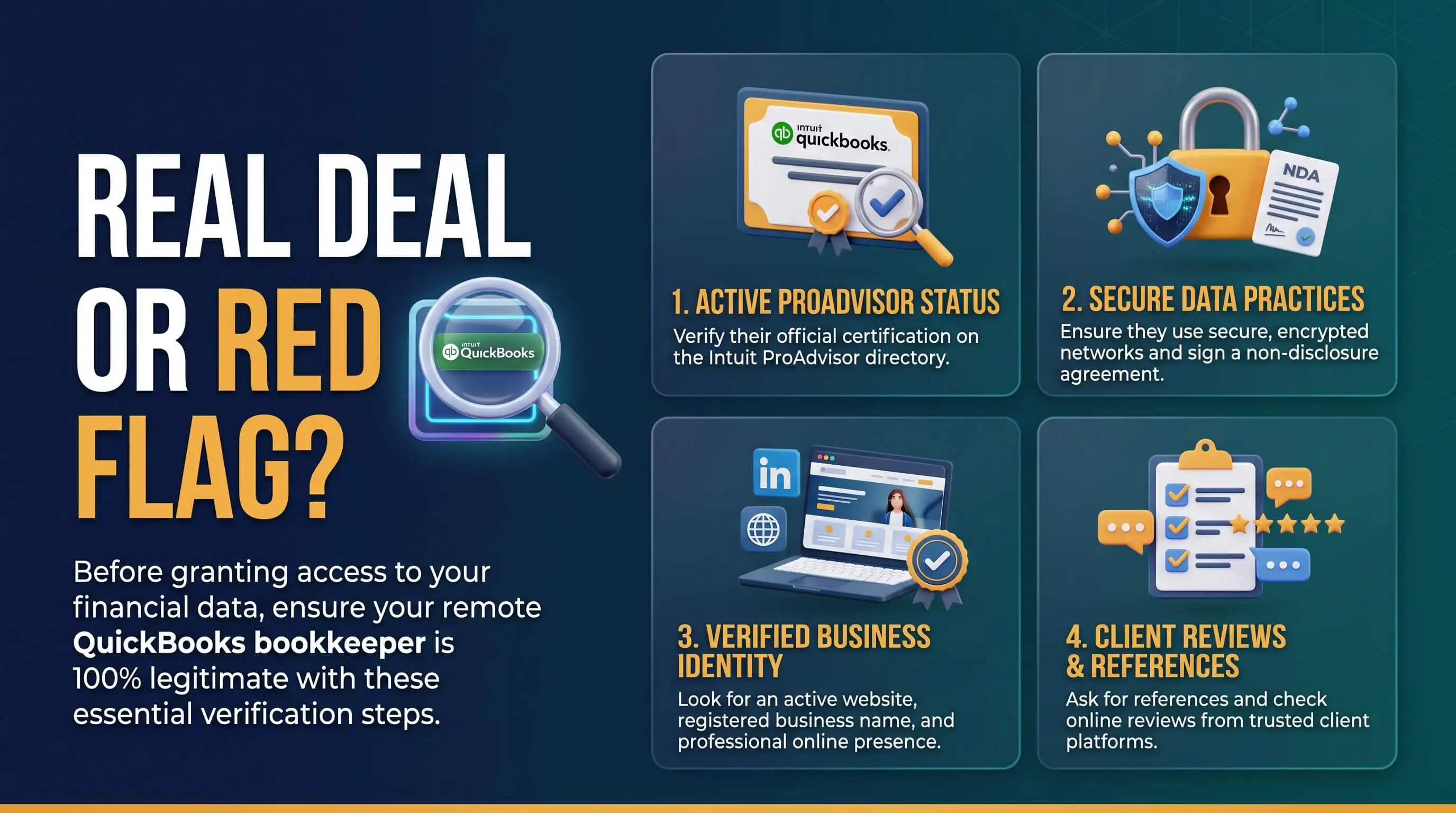
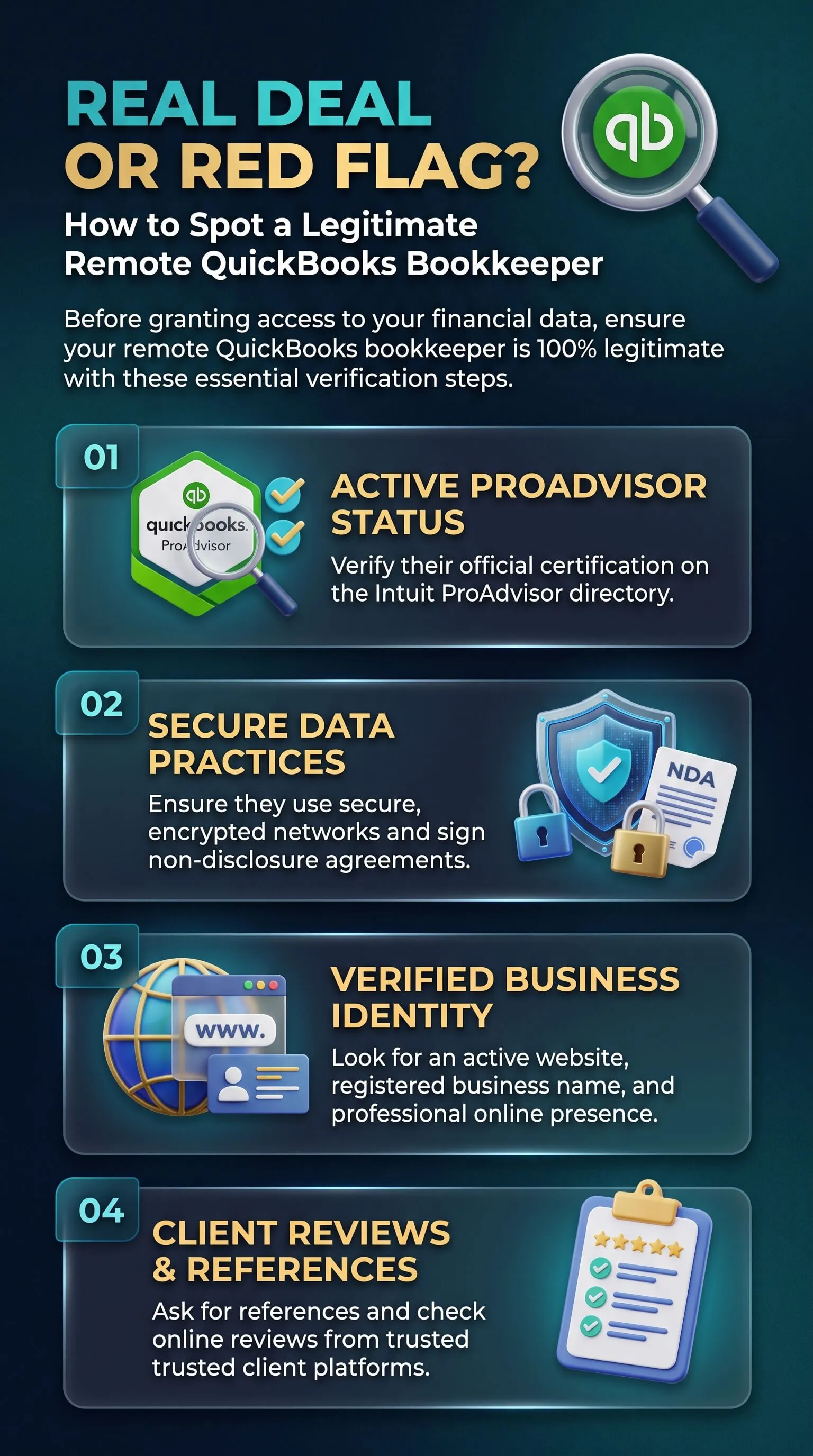
Before a remote QuickBooks bookkeeper touches a single transaction, you should be able to look up their credentials and read their scope and pricing in writing. Once they start, they should work under their own login and match every account to the penny each month. If any piece is missing, pause before you hand over access.
We see what happens when nobody checks. Owners come to Accountix after a remote hire stopped replying, asked for the owner login, or "balanced" a bank account with an adjustment no one could explain. Cleaning up those books is a regular part of our outsourced QuickBooks bookkeeping services built around monthly reconciliations and clear reporting. After more than ten years of that work, we know what a healthy remote setup looks like, which is exactly what business owners should expect from the best remote outsourced QuickBooks bookkeeping services online, and we can spot a bad one before the damage reaches your reports.
TL;DR Quick Answers
Best Remote Outsourced QuickBooks Bookkeeping Services Online
The best remote outsourced QuickBooks bookkeeping services keep your bookkeeping clean and decision-ready from anywhere, with credentials you can verify and access you control.
Listed in Intuit's Find a ProAdvisor directory
Work under their own accountant login, never yours
Reconcile every account to the penny each month
Put a second reviewer on every monthly close
Share pricing openly and put the scope in writing
Top Takeaways
Look up any remote bookkeeper in Intuit's Find a ProAdvisor directory before you grant access.
Get scope, close date, and pricing in a written engagement letter.
Invite them as an accountant user. Your owner login and bank passwords stay with you.
Every account should reconcile to the penny each month, without forced adjustments.
Pick a service where a second person reviews the close.
What the Best Remote Outsourced QuickBooks Bookkeeping Services Online Have in Common
Distance has very little to do with it. The bookkeepers who cause trouble usually have no one checking their work, and the owner can't see what's going on. Across the clients we've onboarded, the best remote outsourced QuickBooks bookkeeping services online and the best outsourced business and financial accounting firms share five habits you can confirm on your own.
Credentials You Can Check in Minutes
Anyone can say they know QuickBooks. A legitimate bookkeeper gives you a way to check.
Search their name or firm in Intuit's Find a ProAdvisor directory and note the certification level and specialties listed.
If they say they're a CPA or hold an AIPB or NACPB certification, confirm it with the organization that issued it.
Ask for their business name and address, plus two clients you can call.
Compare what you hear with other trusted accounting services for small businesses so you know what a normal answer sounds like.
Red flag: "Years of QuickBooks experience" offered in place of a certification you can verify, or no business details at all.
Scope, Engagement Letter, and Pricing in Writing
Before the first transaction gets recorded, you should know exactly what you're paying for.
An engagement letter should list deliverables, your monthly close date, the reports you'll receive, and how fast they'll respond.
Pricing can depend on your volume. You should still get a number.
Red flag: Vague pricing with nothing in writing, or a push to sign before anyone has looked at your books.
Secure Access Inside Your Own QuickBooks File
Your books belong in your QuickBooks account. The bookkeeper gets their own key.
In QuickBooks Online, go to Settings, then Manage users, and invite them as an accountant user. They never need your login.
Leave two-factor authentication on and give only the access the job requires.
Decide separately, and on purpose, whether they can pay bills.
Red flag: Any request for your owner password, your bank login, or a code texted to your phone. Moving your records into a system you can't open after you part ways is another one.
Clean Reconciliations and a Second Reviewer
Reconciliation is where clean books show up, and where problems tend to hide.
Each bank and credit card account should match its statement to the penny every month.
Someone other than the preparer should review the close before you see reports.
Uncategorized transactions should shrink month over month, not pile up.
Red flag: Reconciliation discrepancy adjustments that force the numbers to match without explaining why. Watch, too, for one person who both enters transactions and signs off on them.
Steady Communication and Full Visibility
It's your business. You should be able to see your books whenever you ask.
Reports show up on the schedule you agreed to, and you know who to call and how quickly they'll reply.
They work openly with your CPA at tax time.
Red flag: Hesitation when you ask to see reports, missed month-end closes, or a bookkeeper who goes quiet as tax season gets close.
Don't Mistake a QuickBooks Support Scam for Your Bookkeeper
Some warning signs have nothing to do with a bookkeeper you hired. The same habit of verifying who you're dealing with matters when choosing the right marketing company, too. Scammers pose as Intuit support by phone and email, and they usually want remote access to your computer or the code that just landed on your phone. If you didn't start the conversation, hang up and use the contact details at intuit.com or inside your QuickBooks account.
Green Flags vs. Red Flags at a Glance
Credentials
Green flag: A ProAdvisor listing and certification you can verify
Red flag: "Experience" with nothing to check
Agreement
Green flag: An engagement letter with scope and pricing
Red flag: Verbal promises and fees that never get specific
Access
Green flag: Their own accountant user, with two-factor authentication on
Red flag: Asks for your owner login or bank password
Reconciliation
Green flag: Statements matched to the penny every month
Red flag: Forced adjustments to make balances agree
Review
Green flag: A second person reviews the close
Red flag: One person handles everything
Communication
Green flag: Reports on schedule and a named contact
Red flag: Slow replies and missing reports
"With every new client, the first thing we open is the reconciliation report. It tells us more than any conversation will. We've taken over books where the last remote bookkeeper made the bank balance match with a single adjustment every month, and it took weeks to figure out what was missing. Good bookkeepers like being checked. They'll send you their ProAdvisor listing, ask to be invited under their own login, and want a second person looking at the close. When someone gets defensive about showing you your own books, that tells you what you need to know."
7 Essential Resources
1. Intuit Find a ProAdvisor Directory
Intuit's official directory lets you search ProAdvisors by location, industry, services, and QuickBooks product. Before a new client shares access with anyone, this is where we'd tell them to look first.
Source: https://quickbooks.intuit.com/find-an-accountant/
2. Intuit Help on Inviting Accountant Users
This short guide shows how to add a bookkeeper or firm as an accountant user, which doesn't count against your user limit. We ask every new client to set us up this way, so the owner login stays with the owner.
3. CoCountant on Red Flags in Bookkeeping Services
CoCountant separates claimed QuickBooks experience from actual certification. It also calls out the risk of one person doing both data entry and sign-off, which we find in a lot of the books we take over.
4. Accountally on Choosing Remote Bookkeeping Services
Accountally argues that most remote bookkeeping problems come from missing processes, and we agree. Its checklist leans on team structure and documented communication standards. It also treats vague pricing as a reason for caution.
Source: https://accountally.com/blog/remote-bookkeeping-services/
5. Zedtreeo's Guide to Hiring a Remote QuickBooks Bookkeeper
Zedtreeo gets into the warning signs you'll find inside QuickBooks itself, like forced reconciliations and duplicate transactions from overlapping bank feeds. Those two tend to be the first things our cleanup work turns up.
Source: https://zedtreeo.com/blog/hire-bookkeeper-quickbooks-guide
6. ACFE Occupational Fraud 2024: A Report to the Nations
The Association of Certified Fraud Examiners publishes the most widely cited study of workplace fraud, with losses broken out by organization size and the controls that cut them. It's the reason review steps are built into every engagement we run.
Source: https://legacy.acfe.com/report-to-the-nations/2024/
7. FTC Guidance on Protecting Your Small Business
The Federal Trade Commission's small business guidance explains how to lock down business accounts and vet the vendors who can reach them. Read it alongside your bookkeeper vetting. Your financial data is only as safe as the weakest login that can reach it.
These resources help business owners verify credentials, protect account access, spot bookkeeping red flags, strengthen review controls, and evaluate outsourced accounting and bookkeeping services near me with more confidence.
Supporting Statistics
The figures below come from the ACFE's 2024 Report to the Nations, which looked at more than 1,900 occupational fraud cases. They cover all kinds of workplace fraud, not bookkeepers specifically. Still, they make a strong case for basic controls in small businesses.
1) The median occupational fraud case cost $145,000
That's the median loss per case in the ACFE's 2024 study.
A few hours spent checking a bookkeeper costs far less than untangling one bad year of books, and we've done enough of those cleanups to say so with confidence.
Source: https://www.cshco.com/insights/breaking-down-the-acfes-latest-fraud-report
2) Organizations with fewer than 100 employees lost a median of $141,000
Small organizations posted the second-largest median loss of any size group. Billing schemes and check or payment tampering were also more common there than in larger companies.
Those are the exact areas a bookkeeper touches every week.
Source: https://www.anchin.com/wp-content/uploads/2024/08/2024-ACFE-Occupational-Fraud-Report.pdf
3) More than half of occupational frauds trace back to weak internal controls
In over half the cases the ACFE studied, controls were either missing or overridden.
That's why we build role-limited access and a second reviewer into every client workflow, alongside monthly reconciliations.
Source: https://legacy.acfe.com/report-to-the-nations/2024/
Final Thoughts and Opinion
We don't think remote bookkeeping is risky on its own. Fully remote teams kept some of the cleanest books we've worked with, and someone down the hall kept some of the messiest. In every case, the difference came down to process and an owner who could see what was happening.
What We Check First
The reconciliation report for every bank and credit card account
Who can get into the QuickBooks file, and at what level
How many transactions are sitting uncategorized
Whether anyone besides the bookkeeper ever reviewed the close
What We've Seen Go Wrong
Shared owner logins nobody could shut off after the bookkeeper left
Months of "reconciled" accounts held together by adjustments
Owners who hadn't seen a trustworthy financial report in over a year
What Changes When It's Done Right
Month-end stops being a mystery, and you get numbers you can act on.
Tax season gets calmer, because your CPA starts with clean books.
Once your books are clean and current, you might find you need more than bookkeeping. Growing companies often hit a point where forecasting and strategy matter as much as accuracy. When you get there, it's worth reading up on when a startup needs a fractional CFO.
Frequently Asked Questions
How do I verify a QuickBooks ProAdvisor?
Search for the person or firm in Intuit's Find a ProAdvisor directory on quickbooks.intuit.com. The listing should show their certification and the services they offer. If they also claim a CPA license or a bookkeeping certification, check it with the organization that issued it. A legitimate bookkeeper will happily tell you where to look.
Is it safe to give a remote bookkeeper access to QuickBooks?
Yes, as long as you set it up correctly. Invite them as an accountant user from Manage users so they get their own login, and keep two-factor authentication on. You stay the primary admin. You can see what they do, and you can remove their access whenever you want.
What are the biggest red flags when hiring an online bookkeeper?
Watch for requests for your owner login or bank passwords, credentials you can't verify, and a refusal to put the scope in writing. Inside QuickBooks, reconciliation adjustments and a growing pile of uncategorized transactions are warning signs. Slow or missing reports deserve attention too.
How much do remote outsourced QuickBooks bookkeeping services cost?
It depends on how many transactions and accounts you have, and whether your books need cleanup first. Legitimate firms share pricing openly. Accountix bookkeeping, for example, starts at $200 per week, and we tailor the final scope to your business. Be careful with anyone who won't give you a number.
Should a remote bookkeeper have access to my bank account?
Most bookkeepers only need QuickBooks bank feeds and your monthly statements. Paying bills, through a tool like BILL for example, should be a separate decision with approvals you control. No bookkeeper should ever ask for your online banking password.
What's the difference between a bookkeeper and a QuickBooks support scam?
A bookkeeper is someone you hired and checked, who works under their own QuickBooks login. A support scam starts with an unexpected call or email from someone claiming to be Intuit, usually asking for remote access or a verification code. If you didn't reach out first, hang up and contact Intuit through intuit.com.
Ready to Work With a Bookkeeper You Can Verify?
Run your current setup against the checklist above. If something doesn't line up, or you'd rather hand the checking to someone else, we can help. Accountix works as an outsourced accounting firm for small business startups and as an extension of your team, inside your QuickBooks file under our own access, with every account reconciled and every close review before your reports arrive. Book a 30-minute intro call with Accountix. No sales pitch. Just clarity.